Clever Gear Finder: A Free Backpacking Gear Finder for Your Core Gear
Gear lists are long, and specs are hard to compare. Weight, temperature ratings, tent sizes and fuel types all pull in different directions. We built the Clever Gear Finder to cut that down. You answer a few short questions about one piece of gear, and it shows you options that fit your answers.
This guide explains what the tool does, the questions it asks, what the results mean, and where its limits are.
What the Clever Gear Finder is
The Clever Gear Finder is a free backpacking gear finder on Clever Backpacking. It helps you narrow down one piece of core gear at a time. It picks from our own planning reference database of gear specs and filters that list using your answers.
It is a starting point for research. It is not a product review, and we don’t rank items by how they perform on the trail. The picks are not items from our shop.
The gear it covers
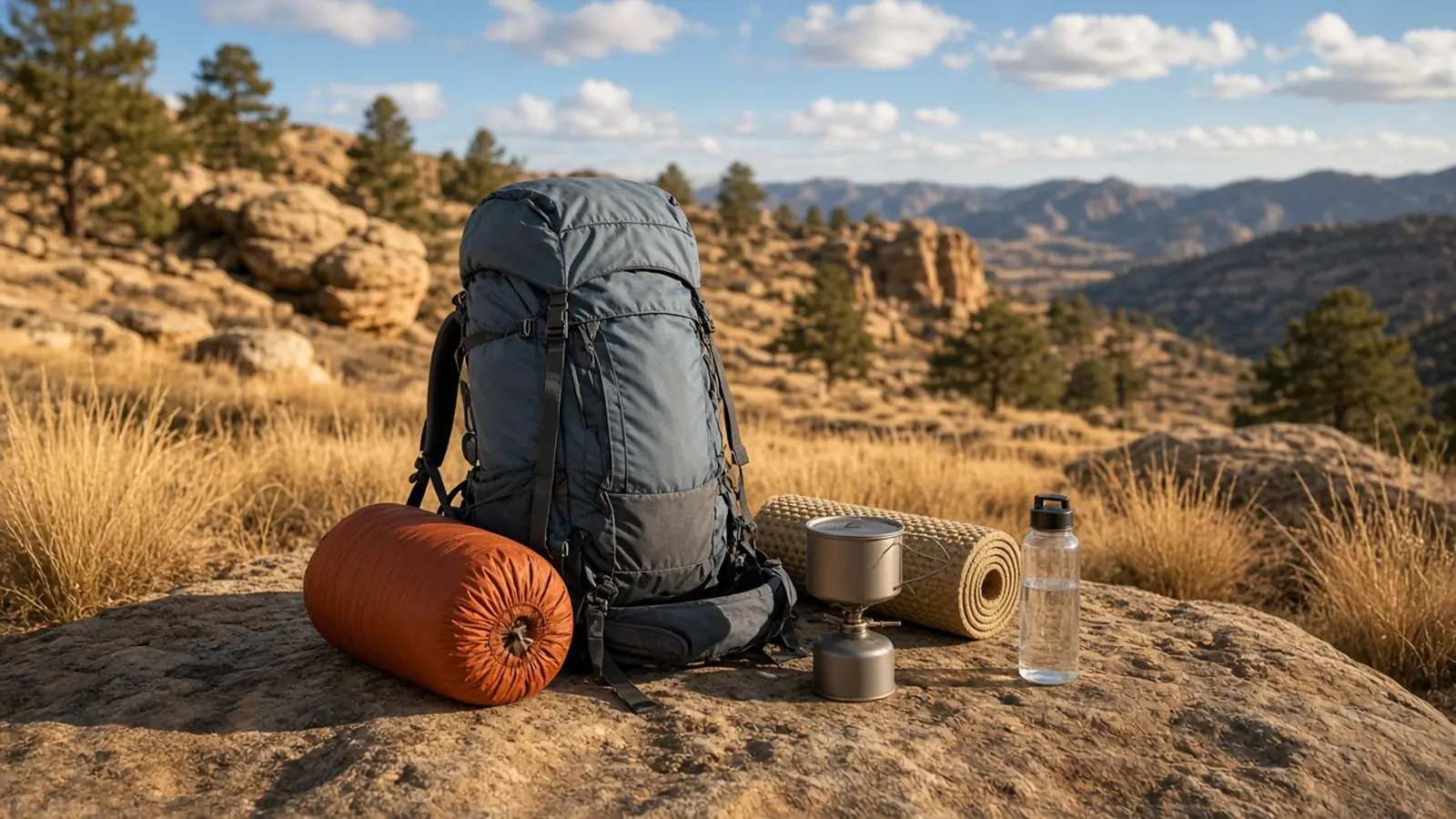
Right now the tool covers five gear items:
- Backpack
- Tent
- Sleeping Bag
- Sleeping Pad
- Stove
In the tool’s data, stoves are filed under the Cooking category. Backpacks fall under Pack, tents under Shelter, and sleeping bags and pads under Sleep System. Other gear, such as water filters, rain gear or cookpots, isn’t covered yet.
How it works: the questions it asks
Under Choose your gear item, you tap one of the five items. You can also type a name in Search by brand (optional) if you already have a maker in mind. The follow-up questions then depend on which item you picked.
Backpack
- How long is your trip? Day Hike (1 day), Weekend Trip (2–3 days), Section Hike (4–6 days), or Thru-Hike (long-distance, multi-week to multi-month).
Tent
- How many people need to sleep in the tent? 1 Person, 2 Person, 3 Person, or 4 Person.
Sleeping Bag
- What season will you primarily use the sleeping bag for? Summer (40°F+), 3-Season (20°F–35°F), or Winter / 4-Season (15°F and below).
- Do you want an open footbox? This lets your feet stick out on warmer nights.
- Are you a side sleeper?
Sleeping Pad
- Would you feel more comfortable with a wider pad?
- Are you a side sleeper? The tool then favors wider, thicker pads for hip and shoulder support.
- Do you want an insulated pad?
Stove
- Which stove fuel do you prefer? Canister, Alcohol, or Either.
- What is your cooking style? Boil water only, or Simmer / real cooking.
- How many people are you cooking for? Solo, or 2 or more.
- Will you cook in cold weather? Yes (near or below freezing) or No (mild weather only).
- Will you hike where fire restrictions may apply? Yes, No, or Not sure.
- Do you want a simmer ring or flame regulator? You only see this one if you didn’t pick Canister.
- What is your budget? Under $25, Under $50, Under $75, or No limit. The budget applies to prices listed in US dollars. Stoves priced in another currency are always shown, with their currency code.
Each stove question includes a short note. For example, the fire-restrictions note says that rules differ by area and change with conditions, so always check local rules before you go.
Weight preference
Every item ends with What is your weight preference? You pick Ultralight, Lightweight, or Standard. Tap What do these weights mean? to see the ranges for the item you chose:
| Gear | Ultralight | Lightweight | Standard |
|---|---|---|---|
| Backpack | under 30 oz | 30–48 oz | 48 oz+ |
| Tent | under 32 oz | 32–48 oz | 48 oz+ |
| Sleeping bag | under 20 oz | 20–32 oz | 32 oz+ |
| Sleeping pad | under 12 oz | 12–18 oz | 18 oz+ |
| Stove | under 2 oz (57 g) | 2–3.5 oz (57–99 g) | 3.5 oz+ (99 g+) |
If you’re working toward a lighter pack overall, our Ultralight Base Weight Guide explains how these choices add up.
What the results show
Tap Find my gear to see Your recommended gear. Each result shows the brand, the name, and the weight in ounces and pounds. Depending on the item, it also shows:
- capacity for backpacks
- temperature rating for sleeping bags
- weight in grams, material and simmer option for stoves
- price, where we have it
You can narrow the list with Max Price and Brands. Start over resets everything.
Sleep System Check. The tool sets an expected low from the season you pick (40°F for Summer, 20°F for 3-Season, 15°F for Winter) and checks the first sleeping bag and first sleeping pad in your results against it. If the pad’s R-value is under 2.0 and the low is below 40°F, it warns that the pad is too low for near-freezing nights. If the bag is rated more than 5°F above the low, it cautions that you may get cold; within 5°F, it calls the bag borderline and suggests warm layers or a liner. A bag rated at or below the low with a pad of R 3.0 or more is called well-matched; otherwise it suggests adding a closed-cell foam pad. It’s a quick check, not a guarantee, so compare your own bag and pad against the lows you actually expect.
Pack Weight Summary. This box adds up the weight of every item currently shown. It’s a quick way to compare options. It isn’t your final pack weight, because it only counts the items on screen.
Export & Share Your Pack List. Copy Text List for Shakedown copies the results as plain text, which you can paste into a note or a gear-review post. Generate Share Link makes a link that reloads the same items.
Product links. Some results include a Product page button. Zpacks links are referral links and are marked Ad. If you buy through one, Clever Backpacking earns Zpacks reward points toward gear, not cash.
How to choose backpacking gear with it
The tool works best as one step in a simple process:
- Start with your trip. Know your season, trip length and group size before you open the tool, because every question builds on those.
- Pick a weight goal you can live with. Ultralight saves weight, but often costs comfort or durability. Lightweight and Standard trade some ounces for more features.
- Run each item separately. The tool handles one gear item per search. Run it once for your pack, again for your shelter, and so on.
- Shortlist, then research. Use the results as a shortlist. Then read the maker’s current specs, sizing and return policy before you buy.
- Check the whole kit. Load your choices into the Clever Pack Builder to see your full base weight. Then plan water with the Clever Water Trip Planner and food with the Clever Trail Fuel Planner.
Who it’s for
- Newer backpackers who don’t know where to start and want a short, relevant list instead of a whole catalog.
- Hikers replacing one item, such as a heavy tent or a cold sleeping pad, who want options in a given weight class.
- Ultralight-minded hikers who want to filter by weight first.
- Anyone choosing a stove who wants to think through fuel type, cold weather and fire restrictions before buying.
It’s less useful if you need gear outside the five items, or if you want hands-on reviews.
Its limits, honestly
- It’s a reference list, not a review. Results come from a database of specs, filtered by your answers. We don’t rate how items perform.
- Specs and prices change. Makers update products and prices. Always check current details before you buy.
- Coverage is limited. Five gear items, and the list doesn’t include every product on the market.
- Nothing is saved. The tool doesn’t keep your answers in your browser. A refresh or Start over begins a new search. Use the text list or share link to keep results.
- Your choices go to our site. Each search sends your answers to our site to look up matching gear.
- Quick checks are quick. The Sleep System Check and Pack Weight Summary are rough guides, not final answers.
- Rules are local. The stove questions flag fire restrictions, but only the local land manager’s current order tells you what’s allowed.
It’s free
The Clever Gear Finder is free to use, like the rest of our planning tools. There’s no account or sign-up. Open the page and start planning.